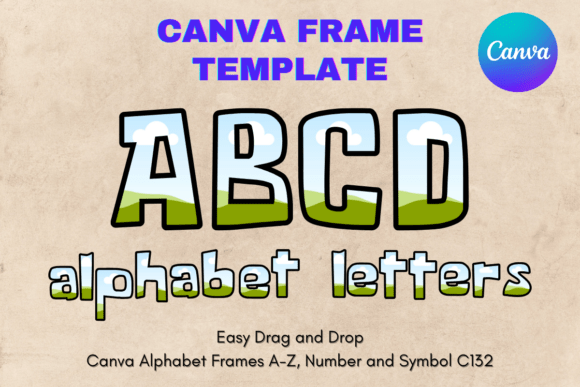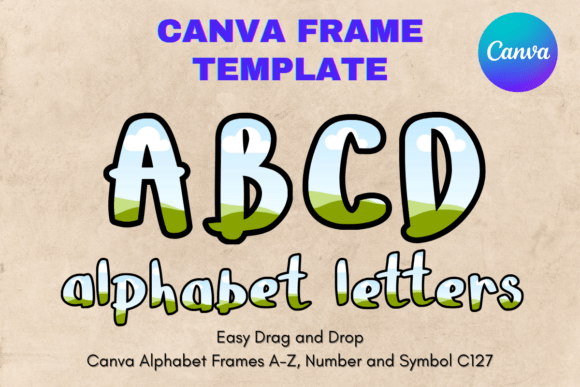
Canva Letters Frame Alphabet Template127: Custom Sublimation Letters
Creating professional, personalized lettering for physical products doesn't require advanced design skills or expensive software anymore. If you've been searching for a way to produce clean, custom sublimation letters for signs, decor, or branded merchandise, the Canva Letters Frame Alphabet Template127 offers a practical solution worth exploring.
What This Template Actually Is
Let's clear up a common point of confusion right away. This is not a traditional font file. You won't find a PNG, SVG, or installable typeface in your download. Instead, you'll receive a single PDF file containing a direct link to a custom-built Canva template featuring editable letter frames.
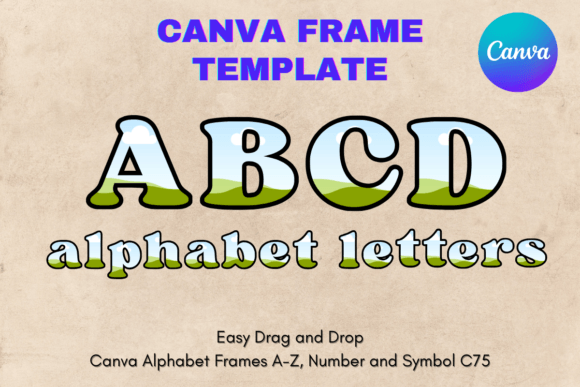
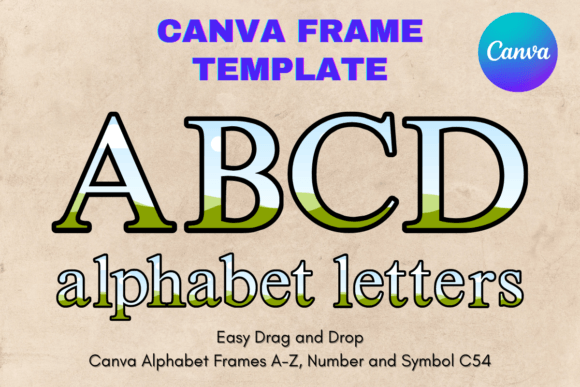
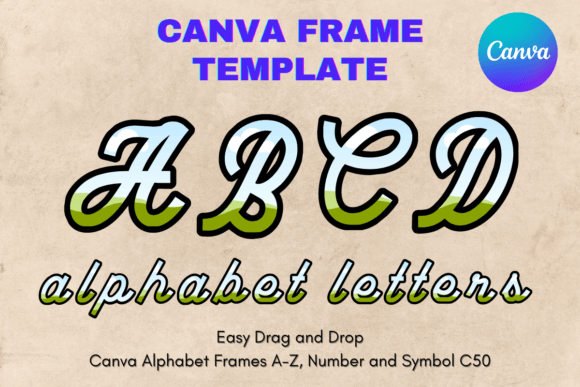
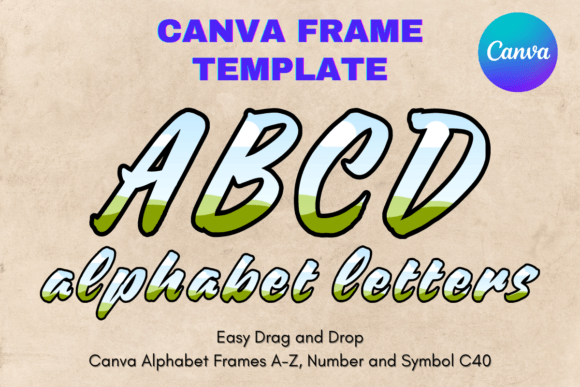
Think of each letter as a transparent container—a frame—ready to hold any image, pattern, texture, or color you want. The visual style of Template127 leans toward clean, bold letterforms with enough weight to hold visual interest once filled. The shapes themselves feel modern and versatile, avoiding overly decorative details that might clash with your chosen fill. This design approach makes the alphabet work across a surprisingly wide range of aesthetics, from rustic farmhouse signs to sleek, contemporary branding pieces.
The personality of these frames is confident without being aggressive. Each letter has balanced proportions and consistent stroke widths, which gives your finished sublimation projects a polished, intentional look. Whether you're layering floral patterns inside a monogram or filling letters with a company's brand colors and textures, the frame structure supports the content rather than competing with it.
Where These Letter Frames Shine
The real strength of the Canva Letters Frame Alphabet Template127 lies in its flexibility. Because the frames are transparent and editable, you can adapt them to virtually any project that calls for individual letters or monograms.
Small business owners frequently use templates like these for creating branded signage, product labels, and packaging elements. Imagine spelling out a shop name on a window decal, where each letter is filled with a texture that matches the store's aesthetic. The consistent frame structure ensures the finished result looks cohesive, even when different images fill each letter.
Crafters and hobbyists find these frames especially useful for sublimation projects on mugs, tote bags, t-shirts, and wall art. The drag-and-drop nature of Canva means you can experiment with different fills—floral arrangements, watercolor washes, glitter textures, seasonal patterns—without committing to a permanent design. If something doesn't look right, swap the image and try again.
Content creators and marketers can leverage these frames for social media graphics, blog headers, and promotional materials. A bold letter filled with a brand-relevant image becomes an eye-catching visual element that stops the scroll. The 8.5×11 inch paper size makes it easy to print proofs at home before committing to larger formats.
Event planners and DIY enthusiasts appreciate the template for creating custom decor. Wedding monograms, birthday banners, holiday decorations—each application benefits from the ability to fill letters with imagery that matches the event's theme and color palette.
Working With the Template in Canva
Once you open the link from your PDF, you'll find yourself in Canva's editor with the full alphabet laid out as individual frames. The process of customizing each letter is straightforward, but a few practical tips will help you get better results.
Start by selecting the letter you want to edit. Drag your chosen image or pattern directly onto the frame. Canva will automatically clip the image to the letter's shape. You can reposition, resize, and adjust the image within the frame until the composition feels right. This non-destructive editing approach means you can refine placement without permanently altering your source image.
The template's transparent layer is particularly valuable for sublimation work. When you export your finished design, the background remains clean, which is essential for heat transfer processes. No need to manually remove backgrounds or worry about unwanted artifacts around your letter edges.
Sizing flexibility is another practical advantage. While the default template fits 8.5×11 inch paper, you can scale letters up or down within Canva to suit your specific project dimensions. Need larger letters for a wall sign? Scale them up. Want smaller initials for a mug wrap? Scale them down. The frame structure maintains its proportions and quality across different sizes.
Choosing Fills That Work
The success of any project using the Canva Letters Frame Alphabet Template127 depends heavily on what you place inside those frames. Here are some tested approaches:
- Photographs work well when you crop them thoughtfully. A landscape photo filling a large initial letter can create a striking focal point for a travel blog or nature-themed brand.
- Patterns and textures—think marble, wood grain, fabric swatches—add tactile richness to printed pieces. These fills perform especially well in packaging design and home decor applications.
- Brand colors and gradients keep things simple and professional. A letter filled with a subtle gradient in brand colors reinforces visual identity without overwhelming other design elements.
- Seasonal imagery makes these frames ideal for holiday promotions, seasonal sales graphics, and themed event materials. Swap fills quarterly to keep your designs feeling fresh.
Practical Considerations Before You Start
A few honest notes about working with this type of template. Because this is a Canva frame template and not a traditional font file, you won't have the typographic control you'd get with a standard typeface. You can't adjust kerning, tracking, or individual character spacing in the way you would with a premium font installed in design software. The letters come as pre-built shapes, which is both the limitation and the convenience.
For projects requiring precise typographic refinement—think editorial design, long-form text layouts, or detailed brand identity systems—a traditional serif font, sans serif font, or script font would serve you better. Template127 fills a different niche: it's a design asset for creating decorative, image-filled lettering rather than functional body text.
Make sure your Canva account is set up and accessible before purchasing, since the entire workflow depends on Canva's platform. A free Canva account works, though a Pro subscription unlocks additional features that might enhance your process.
When evaluating whether this template fits your project, ask yourself a simple question: do I need letters that hold images, patterns, or textures? If yes, this tool solves that problem efficiently. If you need a versatile typeface for everyday web design, editorial design, or document creation, you're better served by exploring modern typography options and font pairing resources instead.
The Canva Letters Frame Alphabet Template127 isn't trying to be everything. It does one thing well: it gives you customizable, transparent letter frames that make sublimation and custom lettering projects accessible to anyone comfortable with Canva's basic tools. For the right project, that's exactly what you need.